Off-chain signatures, on-chain losses: the anatomy of approval phishing
Permit-style signatures let users authorise transfers without sending a transaction. The same property makes them a favoured tool for phishing. What wallets, dApps and users can check.
- Written by
- Quantix Research, Wallet Security
- Published
- Reading time
- 7 minutes
- Category
- Wallet Security
Primer. Explains a known class of issue. Code is simplified and illustrative, not for production use.
Contents
For years the standard advice to Web3 users was to read transactions carefully before confirming them. Attackers adapted. Many of today’s phishing pages never ask for a transaction at all. They ask for a signature, which costs nothing, appears nowhere on-chain at the time, and in a poorly designed wallet looks no more dangerous than signing in.
This primer explains how signature-based approvals work, why they are attractive to phishing operations, and what wallets, applications and users can each check. It describes a well-documented technique in general terms; it does not analyse any specific campaign.
From transactions to signatures
The ERC-20 standard requires two steps for a contract to move a user’s tokens: an approve transaction from the user, then a transferFrom by the approved spender. Each approval is an on-chain transaction that costs gas and leaves a visible record.
EIP-2612 added permit: the user signs a structured message off-chain, and anyone can submit that signature to the token contract to set the allowance. EIP-712 defines how such messages are typed, hashed and displayed, binding them to a specific contract and chain through a domain separator. Uniswap’s Permit2 extends the idea to any ERC-20 token: users approve the Permit2 contract once, then grant individual spenders allowances or one-time transfers by signature, including batches covering several tokens at once.
These designs are a genuine improvement for usability, and the cryptography is sound. The risk lies in how the request is presented and understood.
Anatomy of a permit request
// An EIP-2612 permit request as a phishing page would present it.// Addresses are illustrative.const request = { domain: { name: "Example USD", version: "1", chainId: 1, verifyingContract: "0x1111111111111111111111111111111111111111", // the token }, primaryType: "Permit", types: { Permit: [ { name: "owner", type: "address" }, { name: "spender", type: "address" }, { name: "value", type: "uint256" }, { name: "nonce", type: "uint256" }, { name: "deadline", type: "uint256" }, ], }, message: { owner: "0x2222222222222222222222222222222222222222", // the victim spender: "0x3333333333333333333333333333333333333333", // the attacker value: (2n ** 256n - 1n).toString(), // unlimited nonce: "0", deadline: (2n ** 256n - 1n).toString(), // never expires },}Everything an attacker needs is in the message: their own address as spender, an unlimited value, and a deadline that never arrives. Once the user signs, the attacker submits permit and then transferFrom, often in quick succession and sometimes through a contract that does both in one transaction. The user’s first on-chain trace of the event is the transfer out.
Why it works on careful users
- No gas, no confirmation screen. Users trained to scrutinise transactions may treat signatures as harmless, and some sites present them as a login step.
- Unfamiliar data. A typed-data prompt shows field names and hexadecimal addresses. Few users know which field matters or recognise the spender.
- Batched scope. A single batch signature can cover several tokens, so one mistake can affect a whole portfolio.
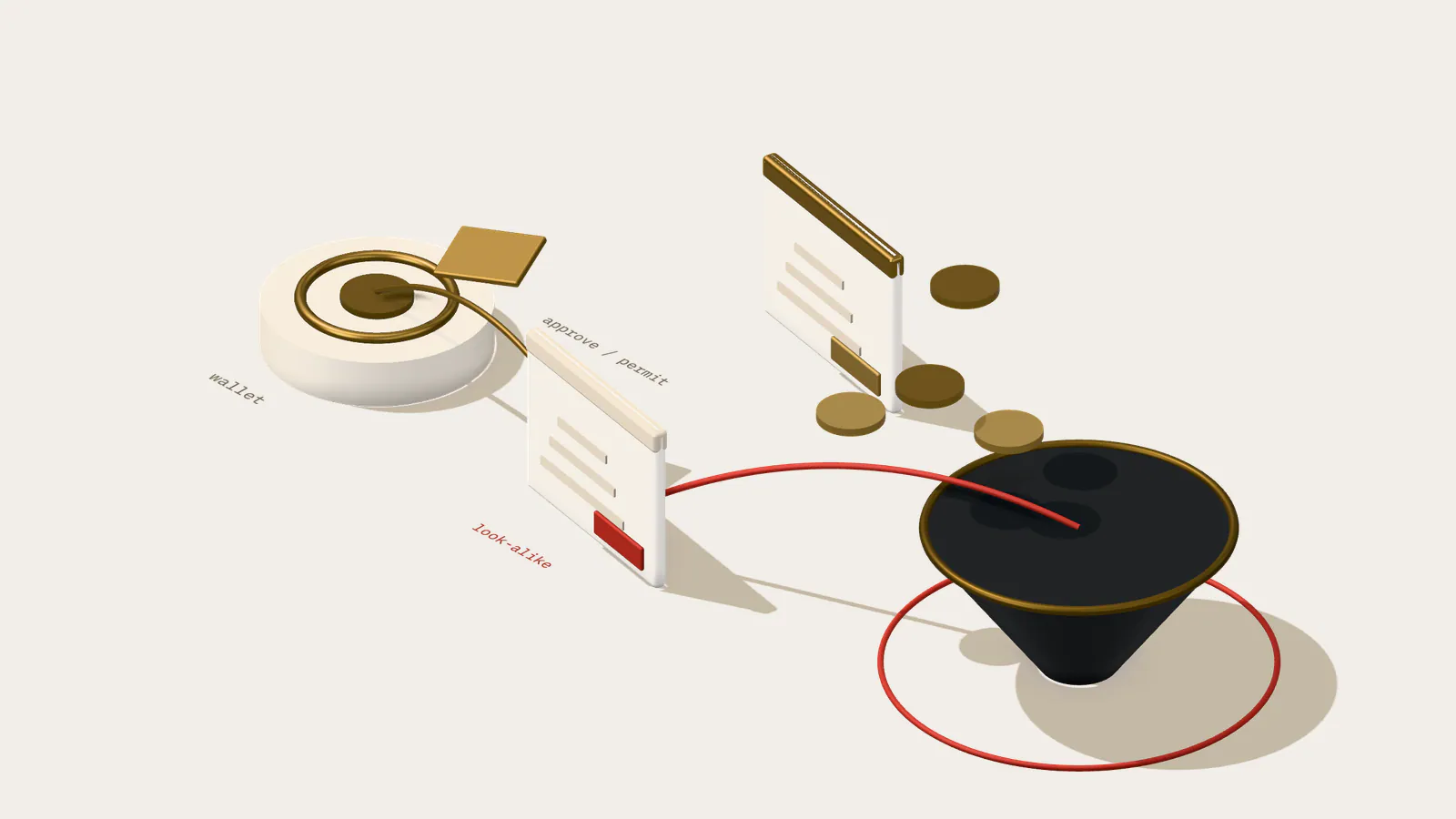
- Legitimate lookalikes. Real applications request permits too. The request on a phishing page can be structurally identical to the one on the genuine site; only the spender differs.
The request does not always come from an obviously fraudulent site. Lookalike domains, sponsored search results and messages that impersonate a project’s support channel are common entry points. More damaging still is a compromised frontend: if an attacker can alter the scripts a legitimate application serves, through a compromised dependency, a hijacked DNS record or a breached hosting account, the malicious request appears on the genuine domain, in the familiar interface, at the moment users expect to sign something. For that reason, frontend integrity is part of the same threat model. Pinned dependencies, subresource integrity for third-party scripts, strict content security policies and monitoring of DNS and certificate changes all reduce the chance that a real site starts asking for the wrong signature.
Signature types to recognise
| Request | What it authorises | What to check |
|---|---|---|
| EIP-2612 Permit | An allowance on one token for one spender. | Spender, amount, deadline, and that the verifying contract is the token you expect. |
| Permit2 allowance | Allowances via the Permit2 contract, for one or several tokens. | Spender, each token and amount, expiration and signature deadline. |
| Permit2 transfer | A one-time transfer of specific tokens. | Amounts and recipient implied by the spender contract; signature deadline. |
| Typed order or intent | A trade or action settled by a protocol’s contract. | Assets given and received, counterparty or settlement contract, expiry. |
Plain message (personal_sign) | Whatever the receiving contract chooses to accept. | Readable text; be wary of messages that look like opaque hex. |
Raw hash (eth_sign) | Anything: the content is not visible. | Refuse. Many wallets disable this method for that reason. |
What wallets and dApps can do
Most of the protection has to come from software, because the decision a user is asked to make is otherwise unreasonable. Wallets can decode known typed-data schemas and present them in plain language, identify well-known spender contracts, and warn on the patterns phishing relies on.
// Illustrative wallet-side checks before a typed-data signature is shown.const MAX = 2n ** 256n - 1nconst DAY = 86_400n type Flag = { level: "warn" | "block"; reason: string } export function permitFlags(td: TypedData, knownSpenders: Set<string>, now: bigint): Flag[] { const flags: Flag[] = [] const m = td.message // EIP-2612 Permit, or Permit2 PermitSingle (fields nested under "details") const spender = String(m.spender ?? "").toLowerCase() const amount = BigInt(m.value ?? m.details?.amount ?? 0) const expiry = BigInt(m.deadline ?? m.details?.expiration ?? 0) if (!td.primaryType.startsWith("Permit")) return flags if (!knownSpenders.has(spender)) flags.push({ level: "warn", reason: "Spender is not a contract this site normally uses" }) if (amount >= MAX / 2n) flags.push({ level: "warn", reason: "Grants an effectively unlimited allowance" }) if (expiry > now + 30n * DAY) flags.push({ level: "warn", reason: "Permission stays valid for more than 30 days" }) if (BigInt(td.domain.chainId) !== BigInt(currentChainId())) flags.push({ level: "block", reason: "Signature is for a different network" }) return flags}Applications that legitimately request signatures can make phishing easier to spot by contrast:
- Request the exact amount needed, not an unlimited allowance, unless the user opts in.
- Use short deadlines and expirations measured in minutes or hours.
- Publish the spender contracts the application uses so wallets can recognise them.
- Never describe a permit as a login, verification or “gasless claim”.
Binding signatures to intent
Protocol designers can reduce the value of a stolen signature by making it useful only in the context it was requested for. A permit that grants a general allowance is valuable to anyone who holds it. A signature that authorises one specific action is far less so.
Permit2’s signature-transfer mode supports an additional “witness”: application data, such as the details of an order, that is included in the signed message and checked by the contract that consumes it. A signature produced for one trade cannot then be replayed to authorise a different transfer. Order-based protocols that settle through their own contracts achieve the same effect by having users sign the full order rather than an allowance. In both cases the wallet can also show users exactly what they will give and receive, which is easier to judge than an abstract spending limit.
Cancelling a signature before it is used
A user who realises they have signed a malicious permit sometimes has a narrow window to act. EIP-2612 permits include a nonce, and each successful permit call consumes the owner’s current nonce. A signature for a nonce that has already been used is invalid. Submitting any valid permit for the same token, even one that grants a zero allowance to an address the user controls, therefore invalidates an outstanding signature that has not yet been submitted. Allowance-style signatures in other systems often have equivalent mechanisms for invalidating nonces.
In practice the window is often seconds, because automated tooling submits stolen signatures immediately. That is why prevention at signing time matters far more than any recovery step, and why monitoring services that watch for a new, unknown spender receiving permits from many unrelated accounts can be valuable to wallets and token issuers alike.
What users can check
When a site asks for a signature, three questions cover most cases. Who is the spender, and is it the application’s published contract? How much does it allow, and for how long? Why does this action need my tokens at all? A site offering an airdrop, a mint or a login has no reason to request authority over balances.
Allowances that already exist can be reviewed and revoked. Token allowances are revoked by approving zero for the spender; Permit2 allowances are managed through the Permit2 contract itself. Periodic reviews matter most for accounts that hold significant balances.
Conclusions
Signature-based approvals improve usability, and they move the decisive moment of an approval off-chain, where it costs nothing and leaves no trace until it is used. Phishing operations exploit exactly that gap.
The defences are layered: wallets that decode requests and warn about risky ones, applications that request the minimum scope and duration, frontends whose integrity is monitored, and users who read the spender, the amount and the deadline. Signature replay across EVM chains covers the contract side of binding signatures to a single use.
Recommendations
Wallets
- Decode permit and Permit2 requests into plain language: spender, token, amount and deadline.
- Warn on unlimited amounts, distant deadlines and spenders with no history.
Applications
- Request exact amounts and short deadlines, and explain each signature in the interface before asking for it.
- Protect frontend integrity with pinned dependencies, subresource integrity, a strict content security policy and DNS monitoring.
Users
- Read the spender, amount and deadline of every signature request, and treat a typed-data “sign in” prompt that names a spender as an approval.
- Review and revoke allowances regularly, including Permit2 allowances.
Bibliography
Primary sources: standards, official documentation, incident reports and papers.
- 1EIP-712: Typed structured data hashing and signing(opens in a new tab)Ethereum Improvement Proposals
- 2ERC-2612: Permit Extension for EIP-20 Signed Approvals(opens in a new tab)Ethereum Improvement Proposals
- 3ERC-191: Signed Data Standard(opens in a new tab)Ethereum Improvement Proposals
- 4Permit2 Overview(opens in a new tab)Uniswap Developers
Applied on this site
Assessments, case studies and tools that apply this publication.